
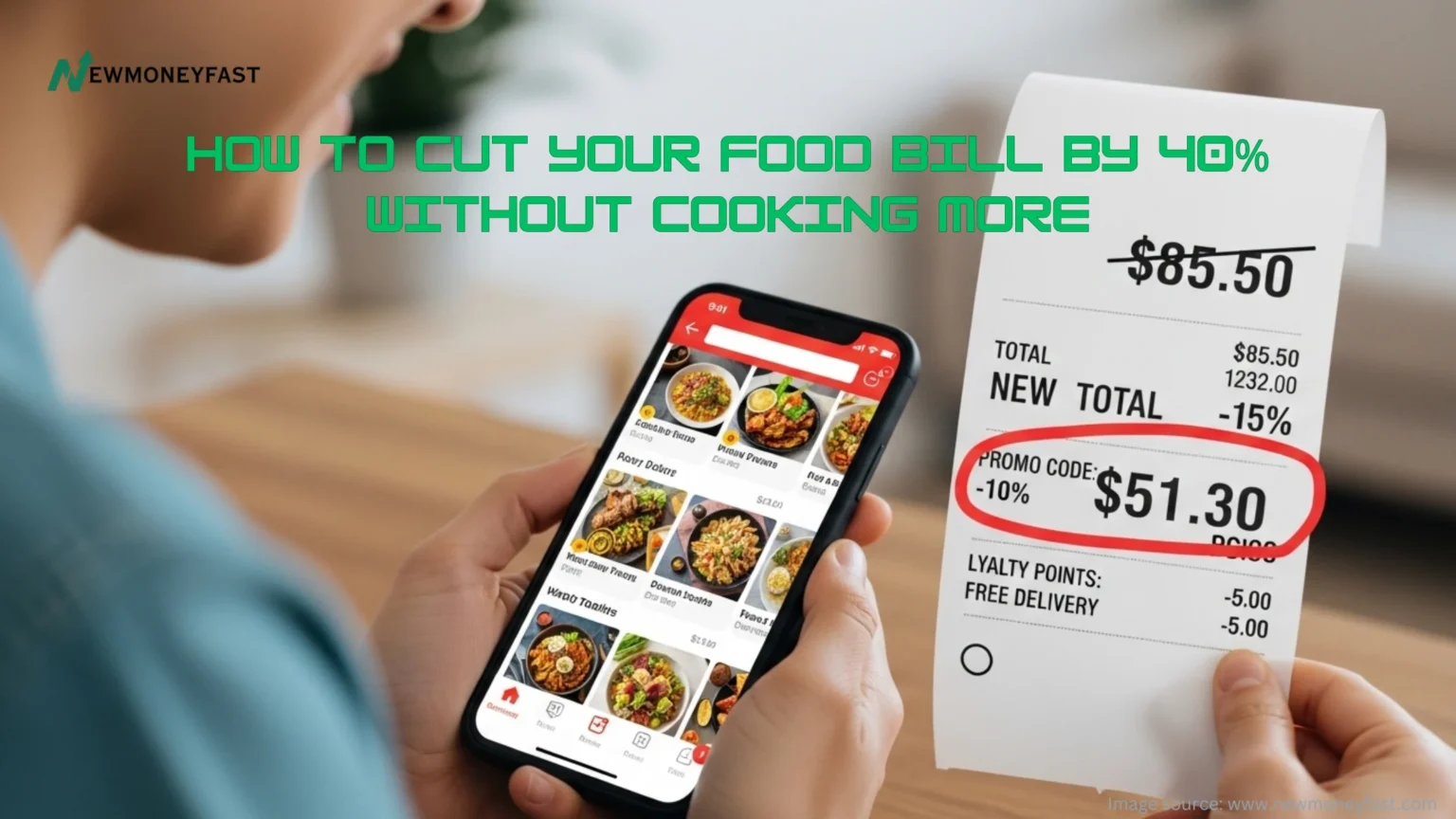
The average American spends over $1,566 a year on food delivery alone, and that number keeps climbing. Here is the good news: you can keep every single order and still save 40% or more by the end of this month.
Takeout and delivery have become a non-negotiable part of modern life. According to a 2024 US Foods survey, Americans spend an average of $88.50 a month on takeout and delivery, on top of restaurant meals. A separate Empower study puts that figure even higher at $118 per month just for delivery. That is real money walking out the door, often in the form of fees, inflated menu prices, and auto-added tips. None of these strategies require you to meal prep, cook extra, or cancel a single order. You just have to play smarter.
7 Hacks That Slash Your Takeout Bill by 40%
1. Switch to Pickup and Instantly Save $8 to $15 Per Order
Delivery fees, service charges, and driver tips can stack up to $15 or more on a single order. Choosing the pickup option on DoorDash, Uber Eats, or Grubhub eliminates all three in one tap. Most restaurants are within a 10-minute drive, and many apps even offer a pickup discount on top of the fee waiver.
Example: A $30 meal delivered through DoorDash can easily hit $47 after fees and a 20% tip. That same order picked up? Still $30, plus DashPass members get 5% credit back on eligible pickup orders.
Expected savings: $8 to $15 per order, or $32 to $60 monthly on four orders.
Action step: Next time you open a delivery app, tap the “pickup” filter first. You may be surprised how close your favorites are.
2. Always Compare Prices Across at Least Two Apps
The same restaurant on different platforms can vary by nearly $9 on a two-item order, according to a New York Times analysis cited by MoneyMashers. Apps set their own service fees, and some restaurants inflate menu prices on third-party platforms to offset commission costs. Spending 90 seconds comparing DoorDash, Uber Eats, and Grubhub before you hit “order” is one of the fastest wins you will ever make.
Example: Your local Thai spot might be $2 cheaper on Grubhub and running a free-delivery promo today on Uber Eats. You would never know unless you check.

Expected savings: $5 to $10 per order.
Action step: Keep two or three delivery apps on your phone. Make app-hopping a 60-second pre-order habit.
3. Order Directly From the Restaurant’s Website or App
Restaurants pay up to 30% in commission fees to third-party platforms. When you order directly through the restaurant’s own website or app, that margin often turns into a discount or a free item for you. Many chains, including Chipotle, Domino’s, and Panera, give better prices and loyalty rewards exclusively through their direct channels.
According to The Points Guy, ordering directly from restaurants is on average 22% cheaper than ordering through third-party apps for the same meal.
Expected savings: 10% to 22% off the menu price.
Action step: Google your favorite restaurant’s name plus “order online” and bookmark the direct link.
4. Stack a Subscription Membership With a Rewards Credit Card
DashPass from DoorDash costs $9.99 per month and eliminates delivery fees on orders over $12 while knocking 5% off eligible orders. Pair it with a card like the American Express Gold, which gives 4% back on food purchases, and you are stacking two layers of savings on every single order.
Pro tip from Cleverly Frugal: Check your existing credit card benefits before paying for a subscription. Chase Sapphire Reserve includes a complimentary year of DashPass, and many premium cards include monthly Uber Cash credits that cover Uber Eats orders automatically.
Expected savings: $15 to $30 per month for regular users after the subscription cost.
Action step: Log into your credit card benefits portal today and search “dining” or “delivery.”
5. Order at Lunch, Eat at Dinner
Many restaurants charge lower prices during lunch hours, and delivery demand is lower, which means smaller surge fees. Order a larger lunch portion in the early afternoon and save half for dinner. You effectively get two meals for the price of one discounted order.
Example: A $14 lunch burrito bowl at Chipotle ordered directly through their app becomes two meals. Cost per meal: $7. A delivery dinner order for the same item? Closer to $18 after fees.
Expected savings: Up to 50% on a per-meal basis for orders you split into two sittings.
Action step: Plan two “double-duty” takeout orders per week and cut your per-meal cost in half.
6. Join Every Loyalty Program Your Favorite Spots Offer
Chick-fil-A, Starbucks, Chipotle, Panera, and hundreds of local chains all run free loyalty programs that hand out free food just for showing up. These are not points that expire in some distant future. Many reward you within your first two or three visits.
According to Prego Pizzeria’s delivery savings guide, some restaurants also integrate their loyalty programs with delivery apps, so your points stack whether you order online or walk in. A free item every few visits can add up to $15 to $30 monthly for a regular takeout household.
Expected savings: $15 to $30 in free food per month across two to three programs.
Action step: Open the apps for your top three takeout spots right now and tap “join rewards.” It takes under two minutes each.
7. Hunt Promo Codes Before Every Single Order
Delivery apps are fiercely competitive. DoorDash, Uber Eats, and Grubhub constantly push promo codes through emails, push notifications, and social media. Sites like RetailMeNot and Honey also aggregate active codes in real time. Spending 90 seconds searching before checkout is one of the easiest dollars you will ever save.
New-user bonuses are even bigger. As highlighted by Cleverly Frugal, signing up with a referral link through DoorDash, Grubhub, or Uber Eats often unlocks a generous discount on your first few orders.
Expected savings: $5 to $15 per eligible order.
Action step: Before every order, type your delivery app’s name plus “promo code” into Google. Bookmark RetailMeNot.com for one-click searching.
QUICK WINS SUMMARY
Total Potential Monthly Savings: $50 to $120+
Time Investment: 5 to 10 minutes per week
Difficulty Level: Beginner-friendly, zero cooking required
Best For: Busy adults, families, students, and anyone ordering takeout 2+ times a week
Biggest Single Win: Switching to pickup (saves $8 to $15 per order immediately)
The 30-Day Takeout Savings Challenge
Here is how to gamify this. For the next 30 days, keep a simple note on your phone tracking every takeout order. Record what you spent and what you saved by using one of these seven hacks. Most people who do this see $50 to $80 in savings in the first two weeks alone.
| Level | Monthly Savings | Hacks Used |
| Beginner | $20 to $40 | Tips 1 and 7 |
| Intermediate | $50 to $80 | Tips 1, 2, 3, and 7 |
| Expert | $100 to $120+ | All 7 hacks stacked |
Which level will you hit first? Tag a friend who orders way too much DoorDash and challenge them to beat your savings this month.
Visual Suggestions for This Article
- Before/After comparison chart: Average monthly takeout cost with and without these 7 hacks
- Fee breakdown infographic: How a $25 meal becomes $40 through delivery (base price + delivery fee + service fee + tip)
- App comparison table: DoorDash vs. Uber Eats vs. Grubhub fees, membership costs, and perks side-by-side
- 30-day savings tracker calendar (printable or shareable graphic)
Frequently Asked Questions
Will these hacks actually make a noticeable difference?
Yes. Even using just the first two tips consistently (pickup plus app comparison) can save $30 to $50 per month for someone who orders takeout three to four times a week. Stack all seven and the savings add up to hundreds of dollars annually.
Do I need to sign up for paid subscriptions to save?
Not at all. Tips 1, 2, 3, 5, and 7 are completely free. Subscriptions like DashPass become worth it only if you order delivery four or more times per month, and many credit cards include them for free anyway.
How quickly will I see results?
Immediately. Tips 1 and 7 apply to your very next order. Most people report saving $10 to $20 on the first order they use these strategies on, with monthly savings compounding as the habits stick.
Does ordering directly from a restaurant mean worse service or slower delivery?
Not usually. Many restaurants use their own drivers for direct orders, and the food is often fresher because the kitchen is not trying to time an order for a third-party pickup window. You also skip the inflated menu prices that some restaurants charge on third-party platforms.
What if I do not live near the restaurant? Is pickup still realistic?
If the restaurant is more than 15 minutes away, pickup might not make sense for every order. In that case, focus on tips 2, 3, 4, and 7 to stack savings without requiring a trip. Even on delivered orders, comparing apps and hunting promo codes can cut your bill by 20% to 30%.
Ready to Stop Overpaying for Takeout?
Start with Tip 1 on your very next order. Pick it up instead of having it delivered and pocket $10 or more instantly. Then come back and work through the rest of this list one hack at a time.
Compare the top cashback apps and delivery subscriptions here at newmoneyfast.com to stack even more savings on every single order.
Sources: US Foods 2024 Dining Survey | Empower Food Delivery Cost Study | Upgraded Points Delivery Habits Survey | The Points Guy App Comparison | MoneyMashers Takeout Savings Guide