

You are already leaving money on the table every time you check out online without one of these tools in your browser. The question is, which one is actually worth installing?
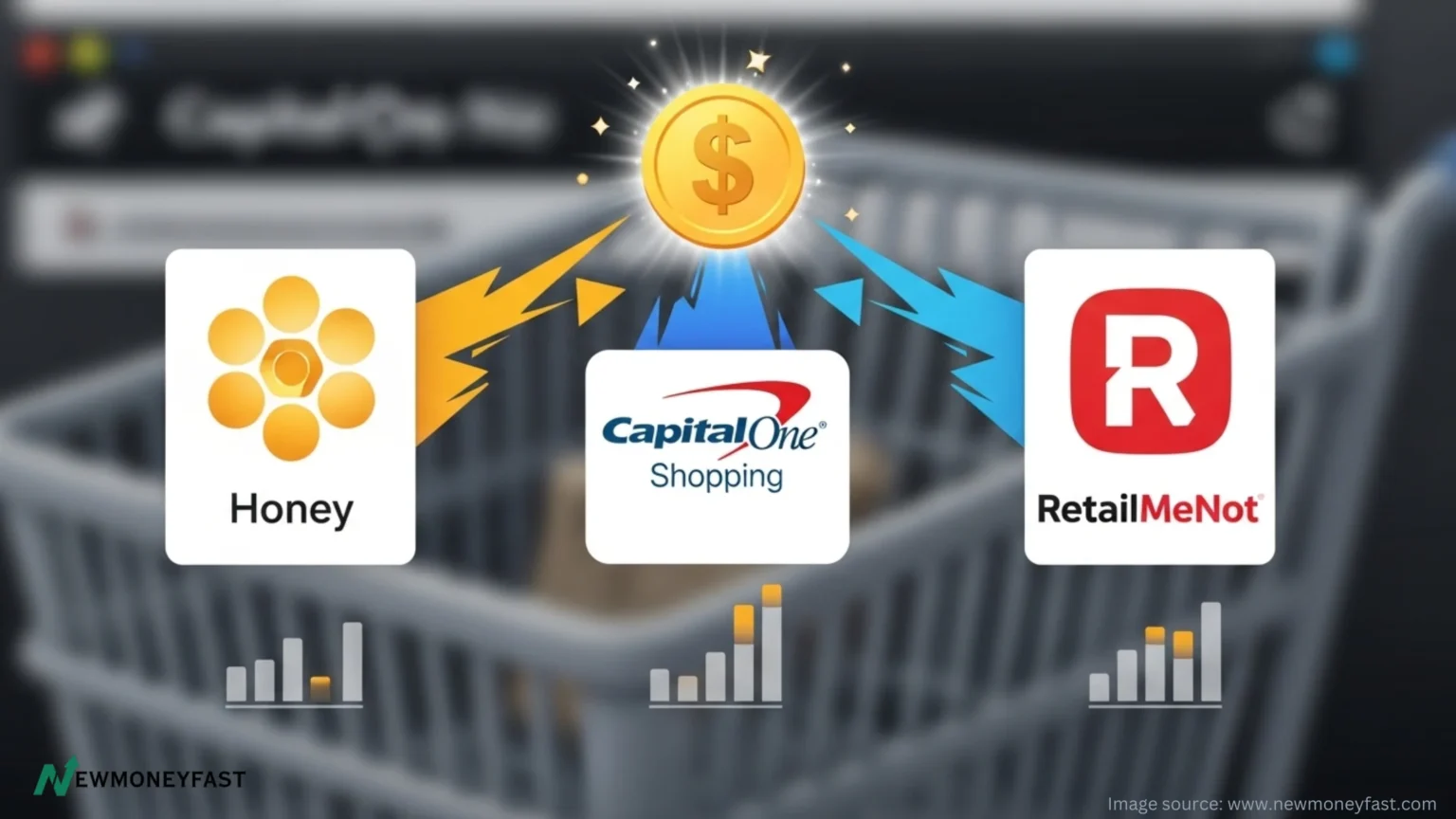
Three free browser extensions dominate the online shopping savings space right now: Honey, Capital One Shopping, and RetailMeNot. Each one promises to find you discounts automatically. But they work very differently, and stacking the wrong one with your shopping habits could mean missing out on serious savings. We tested all three. Here is exactly what you need to know.
| Quick StatsHoney users save an average of $126 per year according to the platformRetailMeNot has paid shoppers over $85 million in cashback to dateCapital One Shopping compares prices across tens of thousands of retailers automaticallyAll three extensions are completely free to install and useTime to install each: under 2 minutes |
1. Honey: The Speed Champion of Coupon Hunting
Owned by PayPal and available at over 40,000 online stores, Honey is the extension most people have heard of. Its core job is simple: test every available coupon code at checkout so you never pay full price by accident.
How it works: You shop as normal. When you hit the checkout page, Honey pops up and runs through its entire database of codes in about 30 seconds. It then applies the biggest discount automatically. No copying and pasting. No hunting through expired codes on random websites.
What Honey Does Best
- Applies coupons automatically on major retailers including Amazon, Target, Walmart, and Nike
- Honey Gold rewards program lets you earn points redeemable for gift cards
- Droplist feature tracks price drops on saved items and alerts you when to buy
- Works on Chrome, Firefox, Safari, Edge, and Opera
- Historical price charts help you spot real deals vs. inflated ‘sale’ prices
One key advantage: Honey is fastest at code application. If you shop heavily on Amazon and want coupon speed, this is your go-to. The catch? Cashback rewards come in the form of Honey Gold points, not actual cash. To get value, you need to redeem them for gift cards.
Action: Add Honey to your browser for free at joinhoney.com and run it on your next checkout to see savings instantly.
2. Capital One Shopping: The Price Comparison Powerhouse
Capital One Shopping (formerly Wikibuy) does something the others do not do nearly as well: it tells you when the exact product you are looking at is cheaper somewhere else. That is a game-changer for anyone who defaults to buying on Amazon or Target without checking around.
Here is the magic: while you browse a product on Amazon, Capital One Shopping quietly checks other retailers in real time. If it finds the same item cheaper at Walmart, Costco, or another store, a green button pops up with the savings amount. You do not need a Capital One credit card to use it. It is free for everyone.



What Capital One Shopping Does Best
- Cross-retailer price comparison that factors in tax and shipping
- Automatic coupon code application at checkout
- Universal Product Search for scanning barcodes in-store via the mobile app
- Price drop alerts on tracked items
- Works on Chrome and Edge
The downside: rewards come as Capital One Shopping credits, redeemable only for gift cards at select retailers. If you want actual cashback, this is not your primary earner. But as a savings alert tool, it is exceptional.
Action: Install free at capitalone.com/shopping and let it run on your next Amazon session to see how often you are overpaying.
3. RetailMeNot: The Only One That Pays You Real Cash
Here is where RetailMeNot pulls ahead of the other two: it pays cash back that you can actually withdraw via PayPal or Venmo. No gift cards. No credits. Real money.
The extension works across over 20,000 brands and automatically stacks cash back on top of available coupon codes at checkout. RetailMeNot has paid out over $85 million in cash back to shoppers, and you can earn up to 20% back at select retailers.
What RetailMeNot Does Best
- Real cash back payable through PayPal or Venmo (not gift cards)
- Stackable savings: cash back stacks on top of eligible coupon codes
- Covers tech, fashion, beauty, home essentials, food delivery, and entertainment
- Works on Chrome, Edge, and Firefox
- Covers brands like Target, Sephora, Macy’s, Best Buy, Papa John’s, and DoorDash
The trade-off is that RetailMeNot’s price comparison features are more limited than Capital One Shopping, and its coupon code success rate on smaller retailers is inconsistent. But if the goal is a direct cash payout, this is the only extension in this comparison that delivers.
Action: Install free at retailmenot.com and activate cashback before your next online order.
Side-by-Side Comparison
| Feature | Honey | Capital One Shopping | RetailMeNot |
| Auto Coupons | Yes | Yes | Yes |
| Cash Back | Honey Gold (gift cards) | Credits (gift cards) | Cash via PayPal/Venmo |
| Price Comparison | Amazon-focused | Cross-retailer | Limited |
| Price Drop Alerts | Yes (Droplist) | Yes | No |
| Store Coverage | 40,000+ | Tens of thousands | 20,000+ |
| Browser Support | Chrome, Firefox, Safari, Edge, Opera | Chrome, Edge, Firefox | Chrome, Edge, Firefox |
| Real Cash Payout | No (gift cards only) | No (credits only) | Yes (PayPal/Venmo) |
| Best For | Amazon & deal hunters | Price comparison fans | Direct cash-back seekers |
The Verdict: Use All Three
| BEST FOR COUPONSHoneyFastest code testing | BEST FOR PRICE COMPCapital One ShoppingCross-retailer alerts | BEST FOR CASH BACKRetailMeNotReal PayPal/Venmo payout |
| The Power Move: Stack All ThreeBecause all three extensions are free, the smartest play is to install all of them and let them work together. Here is how to stack them:Capital One Shopping flags when a cheaper price exists somewhere else.Honey fires up at checkout and tests every available coupon code.RetailMeNot stacks cash back on top of the code Honey already applied.Result: you buy at the lowest price, with a coupon applied, and you earn real cash back on top. That is three layers of savings on a single order. |
| 30-Day Browser Extension ChallengeInstall all three extensions today. For the next 30 days, let them run every time you shop online. Track every saving and every cashback amount in a simple note on your phone. Most users who do this for a full month are shocked at the total. The average Honey user saves $126 in a year, but power users who stack tools regularly report beating that by 3x. Your challenge: hit $50 in combined savings this month.Share your result on social and tag #NewMoneyFast |
Frequently Asked Questions
Do I need a Capital One credit card to use Capital One Shopping?
No. Capital One Shopping is free for anyone to use regardless of whether you have a Capital One credit card or bank account. Just install the extension and it works immediately.
Can I use Honey and Capital One Shopping at the same time?
Yes. You can install both and use both. They may compete to pop up at checkout, but you can simply choose which one to run first. Many savvy shoppers use Capital One Shopping for price comparison and Honey for coupon speed.
How does RetailMeNot pay out cash back?
RetailMeNot cash back is redeemable via PayPal or Venmo, making it the only extension in this trio that delivers actual withdrawable cash rather than store credits or gift card points.
Are these browser extensions safe to use?
All three are widely used and established tools. Like any browser extension, they do require permissions to read your shopping pages. Review their privacy policies before installing. Honey is owned by PayPal, Capital One Shopping is owned by Capital One, and RetailMeNot is a long-standing coupon platform.
How quickly will I start saving?
Immediately. Install any of these extensions and the next time you shop online, they will activate at checkout. Most users see their first savings within 24 hours of installing.
| Visual Content Suggestions for Design TeamHero graphic: Three browser extension icons side by side (Honey, Capital One Shopping, RetailMeNot) with a shopping cart and dollar signsInfographic: Checkout flow diagram showing how all three extensions activate at different stages of a shopping sessionComparison scorecard graphic with three columns and a gold crown over the ‘stack all three’ recommendationScreenshot mockups: Sample checkout popup from each extension showing a discount being applied |
Sources
1. Honey average annual savings figure: joinhoney.com
2. RetailMeNot $85M cashback stat and extension features: chromewebstore.google.com/detail/retailmenot
3. Capital One Shopping features and price comparison: financebuzz.com/capital-one-shopping-vs-honey
4. Honey vs. Capital One Shopping coupon comparison: moneycrashers.com/capital-one-shopping-vs-honey
5. Best coupon browser extensions ranked 2025: thepennyhoarder.com
6. Rakuten vs Honey vs Capital One Shopping comparison: joinkudos.com
Affiliate Disclosure
New Money Fast may earn a commission if you download apps or sign up for services through links on this page. This is at no additional cost to you and helps us keep producing free content. We only recommend tools we have researched and believe add genuine value for our readers.