

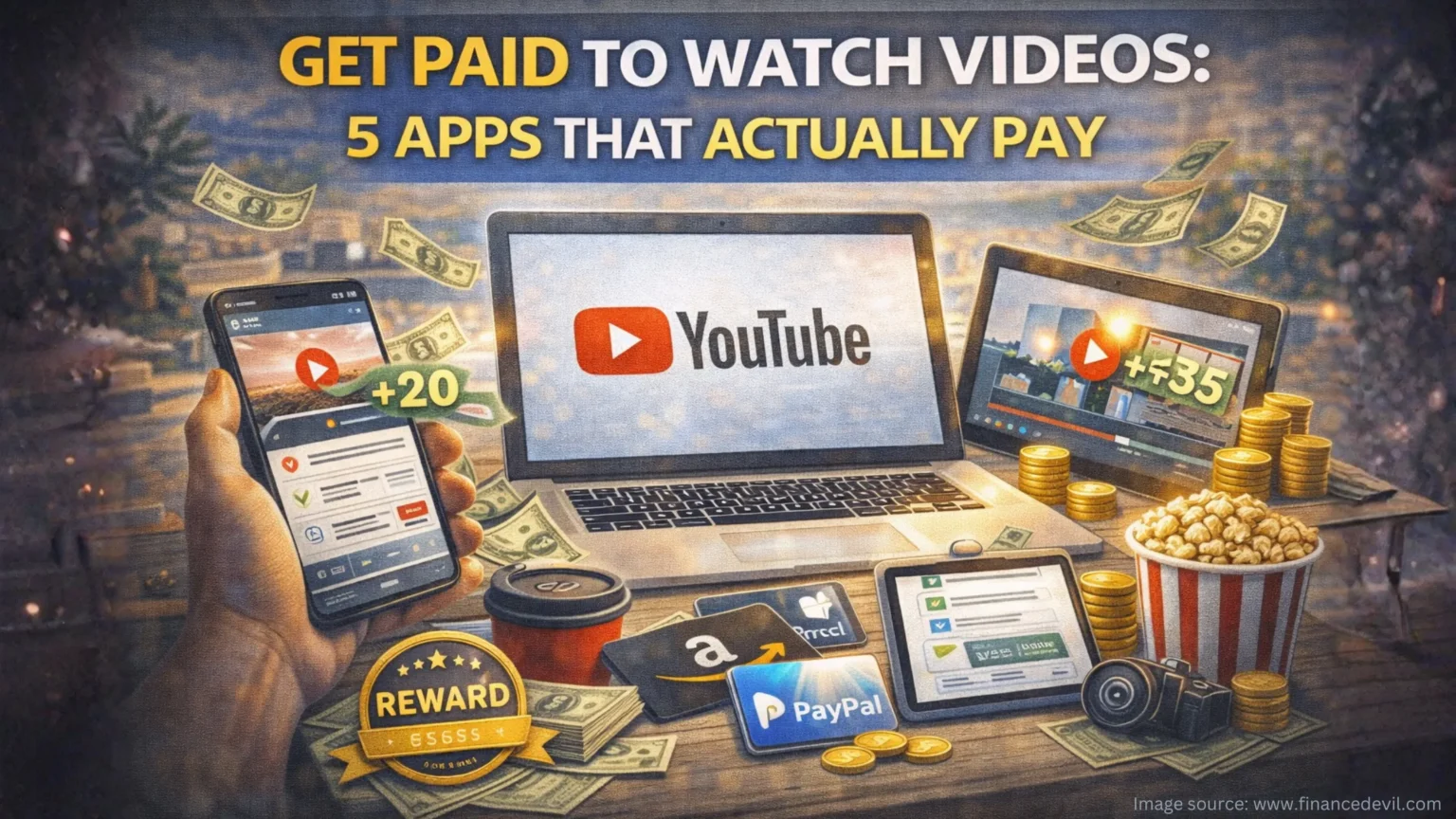
Scrolling through Netflix already? What if those same hours could drop $30-50 into your pocket each month just by switching which videos you watch?
We tested the top video-watching apps for 30 days to find out which ones actually deliver real cash, not just empty promises. Here’s exactly what worked, what flopped, and how much you can realistically earn without turning this into a second job.
The Apps That Made Our Wallets Happy
1. Swagbucks – The Consistent Earner
Swagbucks has paid out over $600 million since 2008, and there’s a reason it’s still standing. You’ll watch short playlists of ads, news clips, and entertainment videos that earn 1-4 points each (that’s $0.01-0.04 per video). The magic? Playlists auto-advance so you can let them run while you fold laundry or meal prep.
Real earnings: Our testers averaged $18-25 per month watching 45-60 minutes daily.
The catch: Random attention checks pop up to prove you’re actually watching. Miss too many and your playlist stops.
Action: Cash out at just $3 for Amazon gift cards, or stack points from surveys and shopping to hit the $25 PayPal minimum faster.
2. InboxDollars – Straight Cash, No Conversions
Forget confusing point systems. InboxDollars pays actual dollars, $0.01-0.03 per video, credited directly to your account. Videos run 2-5 minutes and cover everything from celebrity news to product demos.
Real earnings: $15-30 monthly with consistent daily watching (about 1 hour).


The catch: That $30 minimum payout feels steep when videos only earn pennies. Budget an extra $3 for the processing fee, too.
Action: Combine video watching with their paid emails and surveys to hit $30 in 6-8 weeks instead of 3-4 months.
3. Nielsen Computer & Mobile Panel – The Ultimate Lazy Money
This is the closest thing to free money we found. Install Nielsen’s tracking software once, then literally do nothing. They monitor your regular internet browsing (including streaming) for market research and pay you $50-60 yearly in gift cards.
Real earnings: $50/year = $0.14/day for zero effort.
The catch: It’s passive income, not active earnings. Don’t expect quick cash rewards to come quarterly.
Action: Install on your computer and phone (one account per household) and forget about it. Check back every 3 months for gift cards.
4. MyPoints – The Gift Card Powerhouse
Same parent company as Swagbucks, similar earning rates (1-5 points per video), but MyPoints shines with gift card variety. Turn your video-watching sessions into groceries at Target, dinner at Chipotle, or gas at Shell.
Real earnings: $12-22 monthly watching videos, more when combined with shopping cashback.
The catch: Video inventory can run dry during off-peak hours.
Action: Start your payout threshold at just $3 for select retailers, making this perfect for quick gift card wins.
5. Freecash – The Mobile-Friendly Winner
Freecash stands out with a mobile app that actually works smoothly. Watch videos anywhere—waiting rooms, lunch breaks, your kid’s soccer practice—and cash out via PayPal, bank transfer, or crypto starting at just $0.50.
Real earnings: $10-20 monthly for casual mobile watching.
The catch: Video availability varies by location (U.S. users see more options).
Action: Download the app and knock out video tasks during downtime throughout your day.
Level Up Your Earnings: The Multi-Platform Strategy
Here’s how power users hit $40-50 monthly without doubling their time investment:
Stack platforms by device. Run Swagbucks on your laptop and Freecash on your phone, and install Nielsen on both. You’re not watching more; you’re just maximizing what you already do.
Focus on high earners during active time. Save InboxDollars and Swagbucks for when you can actually watch. Let Nielsen run passively 24/7.
Combine with other tasks. Most platforms offer surveys, cashback shopping, and search rewards that pay 5-10x more than videos. Use videos to top off your earnings and hit payout thresholds faster.
Quick Wins Summary
Total potential earnings: $30-50/month across multiple apps
Time investment: 45-90 minutes daily of semi-passive watching
Difficulty level: Beginner-friendly (if you can click “play,” you’re qualified)
Best for: Students, stay-at-home parents, anyone with downtime to fill
Your Burning Questions, Answered
Is this actually legit or just another scam?
The platforms we listed have paid out millions and maintain A+ BBB ratings. They’re real businesses making money from advertisers; you’re just getting a tiny slice. Legit? Yes. Life-changing income? No.
How much time does this actually take?
Plan on 45-90 minutes daily for $30-50 monthly. That’s about $0.50-1.00 per hour, definitely not replacing your day job, but solid for truly passive downtime.
Do I need special equipment or skills?
Just a smartphone or computer with internet. If you can watch YouTube, you can do this. Most apps work on iOS and Android.
How quickly will I see actual money?
Swagbucks and MyPoints cash out in 5-10 days at low minimums ($3). InboxDollars takes 2-3 months to hit the $30 threshold. Nielsen pays quarterly. Set realistic expectations.
Can I really just let videos run in the background?
Technically, most platforms require active watching (and use attention checks to enforce it). In practice, you can let playlists run while doing other tasks; just stay nearby to handle random verification clicks.
Ready to Turn Screen Time Into Spending Money?
Start with Swagbucks and Nielsen this week. Swagbucks gives you active earnings you’ll see within days, while Nielsen builds passive income in the background. Add other platforms once you’ve got the rhythm down.
The reality check? You won’t get rich watching videos. But if you’re already spending hours on screens, why not earn $40-50 monthly doing basically the same thing? That’s an extra tank of gas, a few grocery runs, or a nice dinner out just for hitting play.
Download Swagbucks and start your first playlist today. Your first $3 Amazon gift card is about 10 hours of casual watching away.