

Meta Description: Accidentally sent a Venmo payment to the wrong email? Learn exactly how to recover your money in minutes. Step-by-step guide for Freecash users and Venmo beginners.
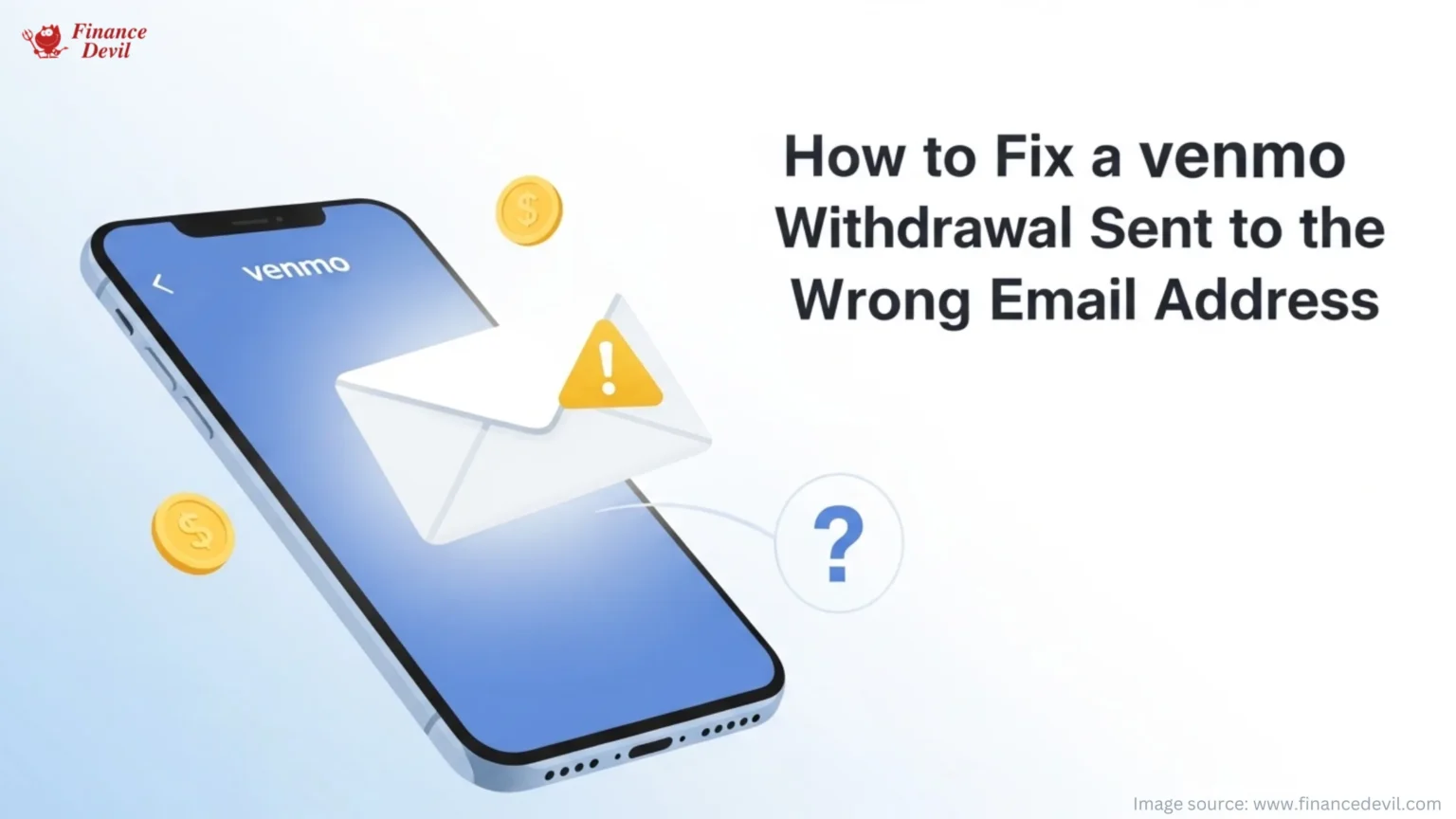
Image Alt Text: Illustration of a smartphone with the Venmo app open showing an email payment being sent to the wrong address, with a warning icon and floating coins suggesting the funds can be recovered.
It happens to the best of us. One wrong tap and your hard-earned cash is flying to a stranger’s inbox. But before you panic, here’s the good news: in most cases, you can get your money back. Here’s exactly what to do.
Venmo is one of the fastest ways to send money to businesses, family and friends, but a typo in the email field can send your funds to the wrong place. Whether you own that email address or not, you have options. This guide walks you through every recovery path, step by step, so you can fix the problem fast and get back to earning.
Step 1: Stop and Check the Situation
First, figure out exactly what went wrong. Your recovery options depend on one key question: who owns the email address you sent the money to?
| Quick Situation Checker |
| You own the email but it is not linked to Venmo – great news, easiest fix (see Step 2) |
| You sent to a completely wrong email owned by someone else – act fast (see Step 3) |
| The email has no active Venmo account and you do not own it – wait for auto-return (see Step 4) |
Step 2: Add the Email to Your Venmo Account (Easiest Win)
If you accidentally withdrew to an email address that you own but have not yet linked to Venmo, this is your fastest fix. Simply add that email to your Venmo account and claim the funds immediately.
On the Venmo App:
- Go to the Me tab in the Venmo app.
- Tap the Settings gear icon in the top right corner.
- Select Account under Preferences.
- Tap Profile.
- Enter the new email address in the Email field and tap Save.
- Check your inbox immediately and click the verification link Venmo sends. Do not skip this step, as unverified emails cannot claim pending payments.
On the Venmo Website:

- Navigate to Venmo.com and sign in.
- Click Settings, then click Profile.
- Enter your new email in the Email Address field.
- Click Save Settings and verify via the link in your inbox.
Pro Tip: Always double-check that the email you enter matches your primary Venmo email exactly. One digit off and you are starting this process over.
Step 3: Request Your Money Back Through Venmo
If you sent money to an email address owned by someone else, the funds land in their account the moment they claim the payment. Your best immediate move is to send a polite payment request.
Here is how to request the money back:
- Open your Venmo app and tap the blue Pay or Request button at the bottom of the screen.
- Type the username or email address of the person who received your payment.
- Enter the exact dollar amount you accidentally sent.
- Add a short note explaining it was a mistake. Keep it friendly, not accusatory.
- Tap Request (not Pay) and confirm with the green button at the bottom.
If they do not respond right away, you can send a reminder:
- Tap the three bars in the upper-right corner.
- Tap Incomplete, then go to the Requests tab.
- Tap the blue Remind button under your request.
Step 4: Contact Venmo Support If All Else Fails
Exhausted the above options? Time to bring in the pros. Venmo support cannot guarantee your money back, but they can investigate and help escalate the case.
To contact Venmo support:
- Tap the three horizontal bars in the upper-right corner of the Venmo app.
- Select Get Help at the bottom of the menu.
- Tap Contact Us, then choose Email Us, Chat with Us, or Check Our Hours for a phone number.
Have this information ready to speed things up:
- The exact payment amount
- The date you made the withdrawal
- The email address you mistakenly used
- Your Freecash transaction ID or confirmation
Quick Wins Summary Box
| Category | Details |
| Time to Fix | As fast as 5 minutes (if you own the email) |
| Max Wait Time | 30 days (for auto-refund from Freecash) |
| Difficulty Level | Beginner-friendly |
| Best For | Freecash users cashing out via Venmo |
| Success Rate | High when email is yours or unclaimed |
| Tools Needed | Venmo app or Venmo.com |
Bonus: 3 Ways to Never Make This Mistake Again
1. Use Your Phone Number or QR Code Instead of Email: When setting up your Venmo cashout on Freecash, using your phone number or scanning your Venmo QR code eliminates the risk of email typos entirely.
2. Save Your Venmo Email as a Note on Your Phone: Copy your exact Venmo-linked email to your Notes app so you can paste it into withdrawal forms every single time. No guesswork, no typos.
3. Double-Check Before You Confirm: Most platforms always show you a confirmation screen before processing your withdrawal. Make it a habit to re-read the email field before tapping Confirm. This 5-second check could save you days of waiting.
Challenge Time! Try This Today:
Copy your Venmo-linked email address into your phone’s Notes app right now. Next time you cash out on Freecash, paste it directly instead of typing it. Zero risk of a typo. Which of the three prevention tips will you try first? Let us know!
Frequently Asked Questions
Can I cancel a Venmo payment immediately after sending?
Generally, no. Once a payment is sent to an active Venmo account, the funds are transferred instantly. The only exception is if the recipient has not yet created a Venmo account, in which case you may see a “Take Back” option in your incomplete payments section.
What if someone claims the wrong payment before I can act?
If the recipient has already claimed the payment, your best options are to send a payment request through Venmo and explain the mistake or contact Venmo support. Unfortunately, Venmo does not guarantee a refund in these cases, so prevention is your best protection.
Is it safe to add a new email to my Venmo account?
Yes. Venmo allows you to update your email in the app settings at any time. Just make sure to verify the new address by clicking the link in the confirmation email Venmo sends you; otherwise, the funds will not be claimable.
Ready to Cash Out Smarter?
Now that you know exactly how to fix a Venmo withdrawal mistake, go ahead and cash out with confidence. Head back to Freecash, double-check that email field, and claim your rewards. Your money, your rules.
Join thousands of smart earners using Freecash and New Money. Fast to turn spare time into real rewards. Start earning, start winning.
In another related article, How to Switch Home Insurance Companies: Your Complete Guide to Saving Money and Getting Better Coverage